
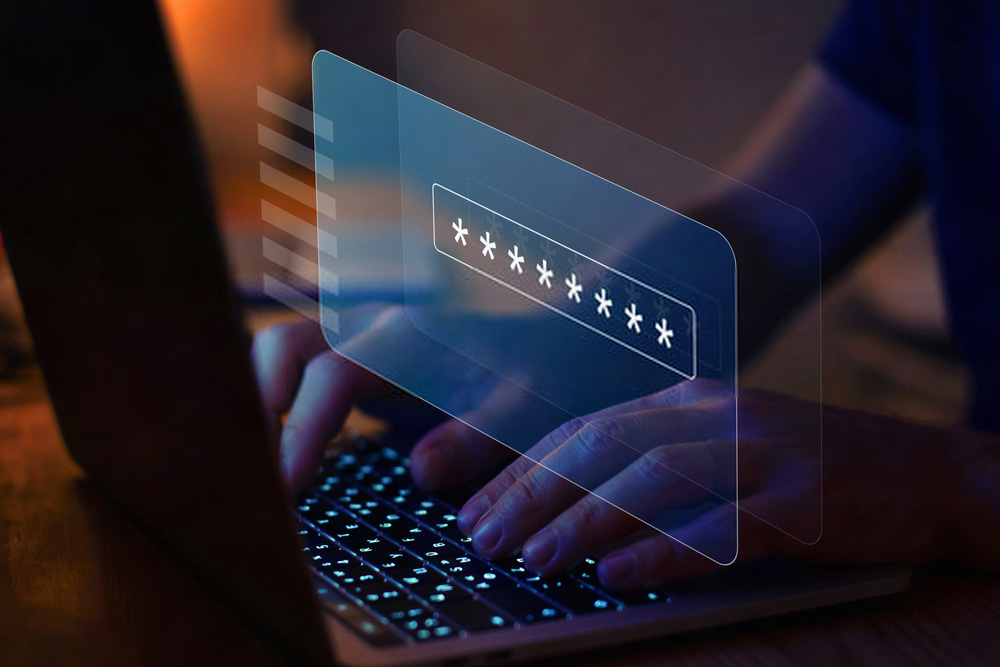
Using different accounts has become the norm in the digital age. Email, social media, cloud storage, apps, online banking… Accessing these services always requires a password. This is effectively a way of authenticating yourself and proving your identity.
The importance of a strong password
When you create any kind of account, setting a username and a password is essential. The real issue is then how secure these accounts are, so that only you can access them. Creating a strong password therefore becomes necessary.
Many IT specialists, and of course cybercriminals, are able to hack into accounts. They can get hold of information you want to keep confidential. Their actions can go even further.
The risks also include identity theft, scamming your friends and family, taking money illegally from your bank account, and more. To reduce these risks and avoid problems, it is crucial to set a strong password.
Rules for choosing a good password
For a good password, the following rules will help you a lot.
Focus on length
Having a password with 12 characters is the minimum recommended nowadays. The longer it is, the harder it will be to hack. A shorter password can still be acceptable if you use other security options. Some services offer two-factor authentication and image-recognition checks.
Include different characters
Mix numbers, letters and special characters in a single password. You can combine upper and lower case letters, punctuation marks and other characters such as @, \, [,{, #… Be aware that the more complex your password is, the harder it will be to guess or crack.
Use different passwords for your different accounts
Using the same password everywhere exposes you to far more risk. People trying to hack your accounts will find it much easier. Always choose a specific password for each account.
Change your passwords regularly
To improve your security, you should change your passwords from time to time at irregular intervals. Changing each password is recommended at least once every three months.
Passwords to avoid
Anything that is too simple or obvious should be avoided in order to reduce the risk of hacking as much as possible. Your password should not be related to your personal life. That includes dates of birth or weddings, towns and the names of people around you.
It will be easy for someone with bad intentions to guess these codes. With the growth of social media, finding this type of information about you is in fact very simple.
Very common and obvious passwords must also be avoided. This list of bad passwords is not exhaustive:
- Mot de passe, motdepasse or passwords,
- 123456789 or 987654321, and shorter versions such as 1234 or 4321,
- Azerty and Qwerty,
- ABCDEF or WXYZ and their versions followed by consecutive numbers such as ABC123,
- Very simple or complicated
Practical tips for managing your different passwords
When creating passwords, you need to balance two principles:
- Choose a password that is simple enough for you to remember easily,
- Choose a password that is complicated enough that others cannot guess it.
Remembering them all is not always easy. When you have to log in to several accounts, it’s very easy to get lost between different passwords.
You may type in the wrong code or mix it up with another one. Getting into your accounts can then become difficult and time-consuming.
To make things easier, consider using long phrases. You just need to replace certain letters with symbols or numbers and vary upper and lower case letters.
You can also keep 2 or 3 core codes in mind and combine or adapt them for your different accounts. Because they are long, combining different codes and words will further improve your security.
Using notes or prompts for your passwords can also help you remember them. However, make sure you choose clues and memories that only you can understand. For example, in a notebook you could write that the password for your email account refers to:
- Your childhood friend,
- Your first dog or your doctor’s dog,
- Your favourite teacher at primary school,
- The amount of your first pay packet, etc.
You can also use password managers. These are services that help secure all your accounts. You only have to remember a single master password to access the manager. It will then allow you to log in to all your other accounts.
