
Battery for laptop hp folio

Search for your product by series
Search for your product by reference
Do you want to change the battery for your Folio HP Laptop battery+
You have certainly been attracted to its autonomy.
Batteries providing better autonomy for your HP Folio ...
What if your laptop battery isn't charging at all?
When a laptop is not charging while the battery is plugged in, most people tend to change the battery. But that\\\\\\\'s not the only way to solve the problem. Even though the rated capacity of the battery has become less than that said by the manufacturer, you should not dash to replace it. To determine if the battery has stopped charging when properly connected, you just need to hover your mouse cursor over the battery icon in the lower right corner of the screen. If the words plugged in, charging do not appear then it means that it is broken. There are three solutions to this problem.
Reset battery in bios
BIOS has a memory block containing hardware configuration data.
- To reset the battery in this system, you must
- Disconnect the power supply from the device (remove the plug from the socket of the laptop).
- Remove the battery. This can be removed for most models by pressing the locking device.
- Press and hold the power button for 20 to 45 seconds.
- Connect the power plug to the power outlet of the laptop computer.
- Turn on the device and enter the BIOS task manager (Del + F12 or Del + F2).
- Restore your settings (Restore Defaults).
- Save your changes and log out from the BIOS Manager.
- Turn off the laptop.
- Unplug the power adaptor.
- Replace the battery.
- Insert the charging plug into the socket.
- Connect the laptop to a charging device as usual.
- Check if it works by hovering your mouse over the battery icon in the notification area. You should see the message Connected and charging
- Uninstalling utilities
Some laptop manufacturers install utilities on their devices to monitor the charging status. If the software is the cause of the problem, it is easy to determine why the battery is not charging: the battery icon in the system tray is different from the other brands’. To remove it you must:
- Open- Start - All apps - Control Panel.
- Select Programs and components
- You should find the harmful utility in the list that appears then select it.
- Follow the instructions of the monitor to uninstall.
- Restart your laptop.
After uninstalling the third-party software, the original application will start working. To avoid this problem, you should avoid installing any third-party utilities on your device.
The power supply is not working
The power plug or cord may be broken. It is easy to check if the charger is working. Remove the removable battery pack and connect the device directly to the power source. If the equipment does not work, you must replace the charger.
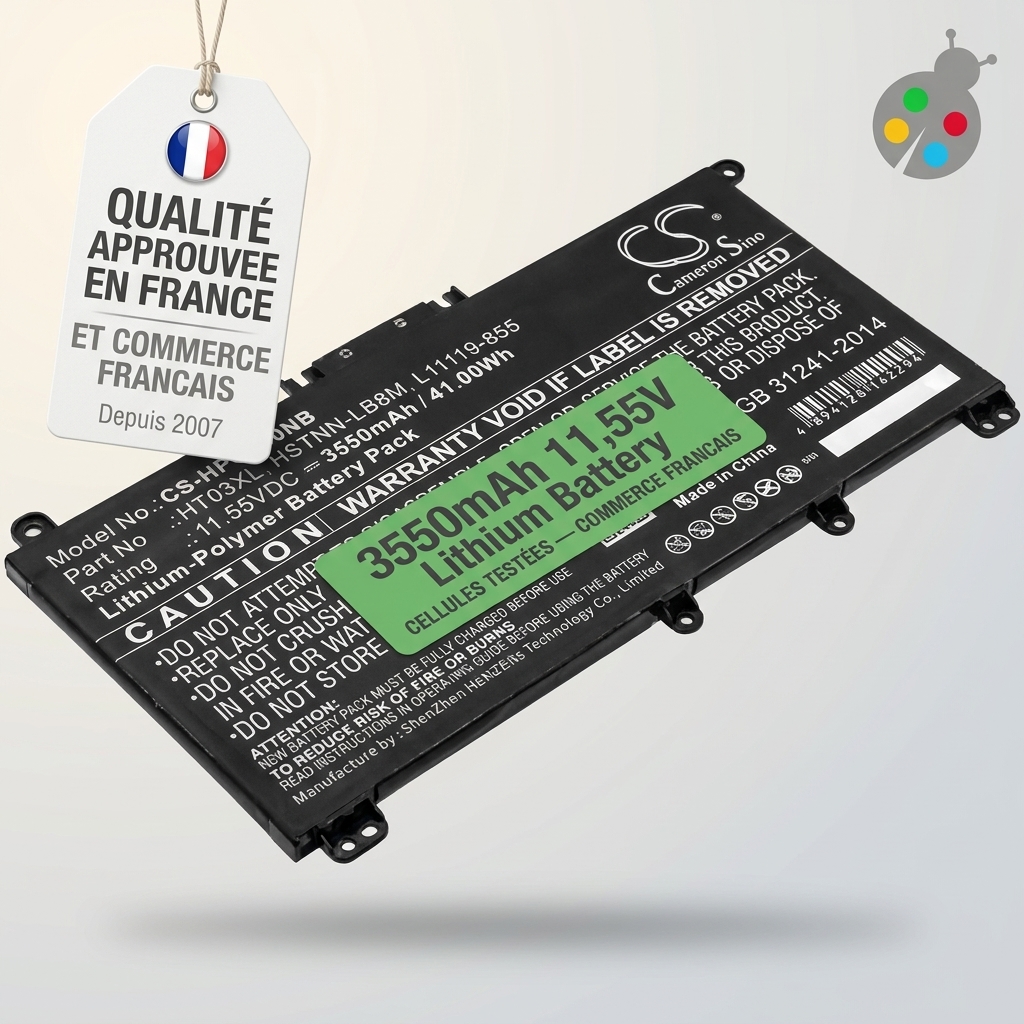

Looking for the best battery to replace your laptop battery?
How much does a battery for a hp folio laptop cost? The price ranges from €20.4 to €104.9 for the most powerful models.

 Your basket