
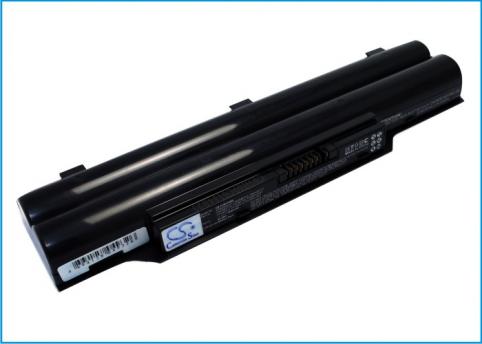
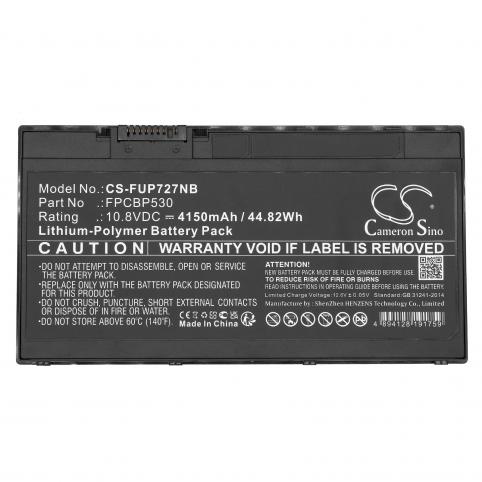
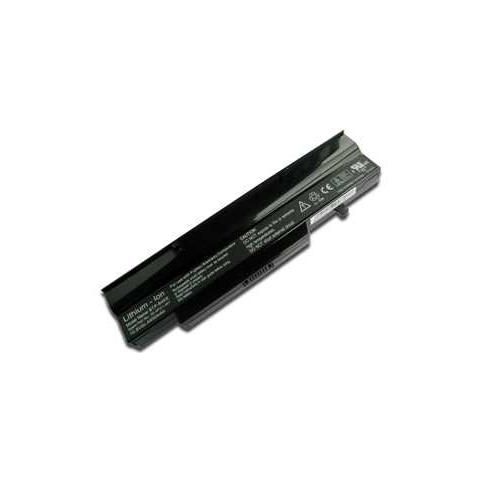
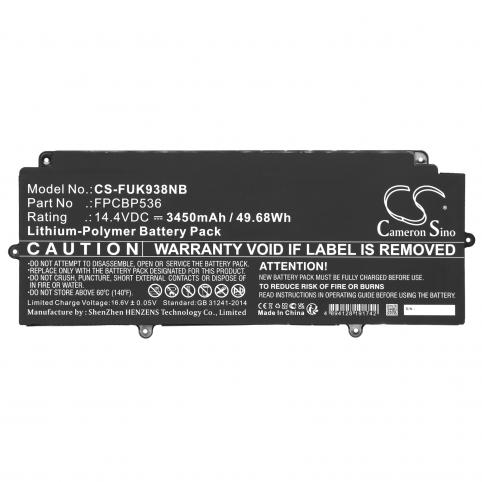
Battery for laptop fujitsu


Having a computer has become a necessity.
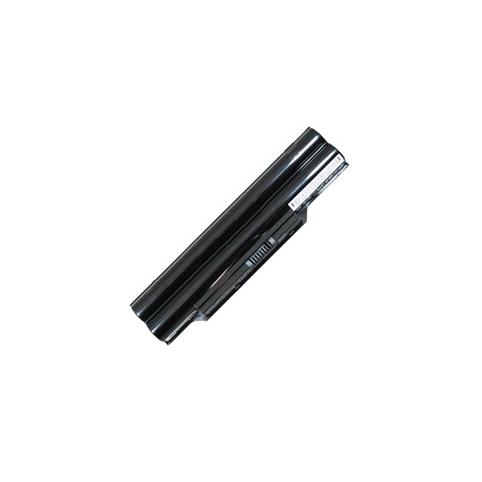
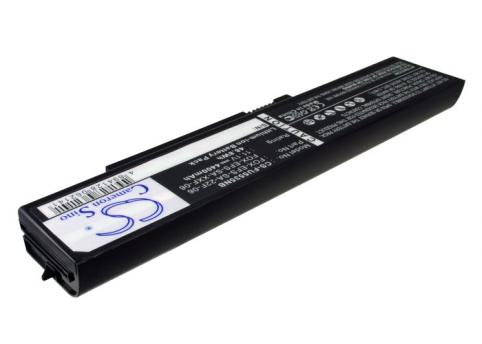
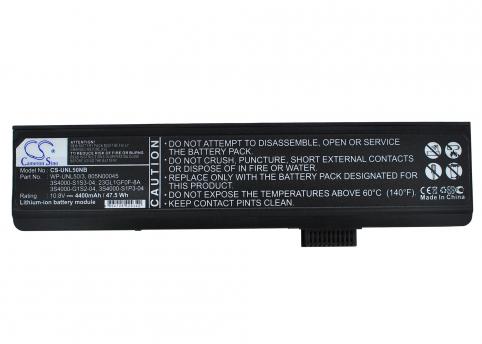
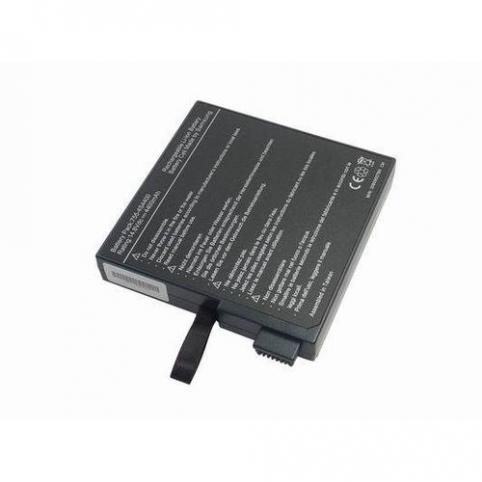
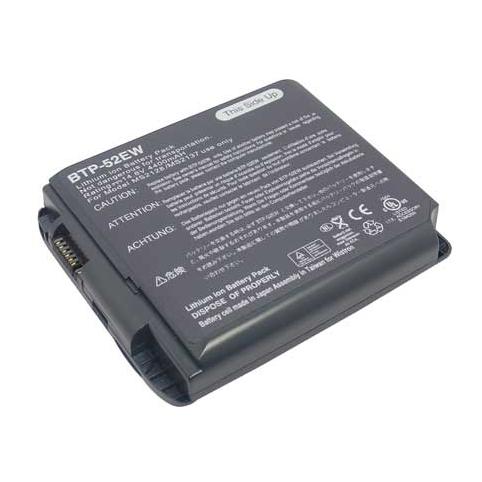
Large Selection of Fujitsu Batteries, The Fujitsu brand is very popular these days and if you are one of those who have purchased it, you will likely need a new battery at some point. In our website, we offer you a wide range of choices of Fujitsu battery. Whether your battery is in good condition or not, do not wait to purchase any longer, because it is always useful to have a spare battery.
Very good capacities of the Fujitsu computer battery
We can assure you that our Fujitsu batteries are fully compatible with your Fujitsu laptop. No need to worry about adaptability. Our Fujitsu computer batteries are certified to meet the current standards and follow the original manufacturer's instructions. Sold fully charged, you can directly use our Aspires batteries as soon as you get back home. In addition to that, our Fujitsu batteries guarantee you a satisfactory autonomy. You can be sure that your computer will run efficiently. Do not wait any longer, come and buy excellent products at the best price in our website.
Powerful batteries for your laptop
Most modern laptops are equipped with lithium-ion batteries. Such a battery has a low weight and a fairly high power, which is enough to ensure several hours of autonomous operation of the device, even with intensive use of its functions. However, due to its advantages, lithium-ion batteries are also relatively expensive, so users often wonder: how to extend battery life?
One of the most important parts of a laptop battery's "life" is the process of first charging and discharging it. Once you buy a new laptop, you need to fully charge it. Connect the laptop to the power source, but do not start the operating system. Wait until the battery is fully charged - the charge status lights on the front or back of the laptop should turn off. It takes at least four hours to charge the lithium-ion battery for the first time.
Once charged, you can turn on the laptop and start using it. To do so, do not connect it to the AC adaptor, but let the battery discharge completely (remember that data loss may occur at the end of the battery life). This allows the power supplier supervisor chip and the operating system driver that manages the power supply to record the actual capacity of your laptop's battery and automatically set the appropriate parameters. Once the laptop battery has been fully discharged, you must perform another full charge cycle before proceeding to normal operation. In order to extend the life of the battery, it is recommended to keep it charged at all times by plugging it into the power source whenever it is possible. In some forums, it is still possible to come across statements that the battery of a laptop should be discharged 100%.
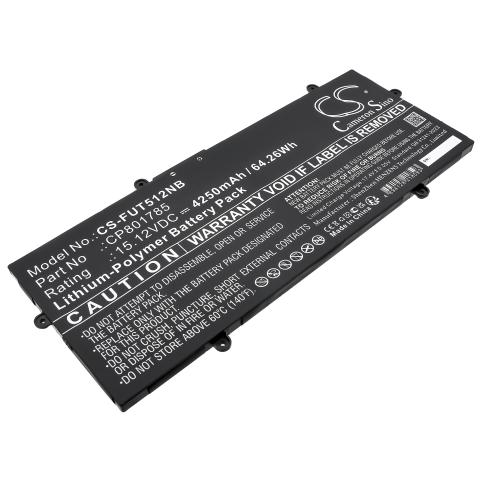
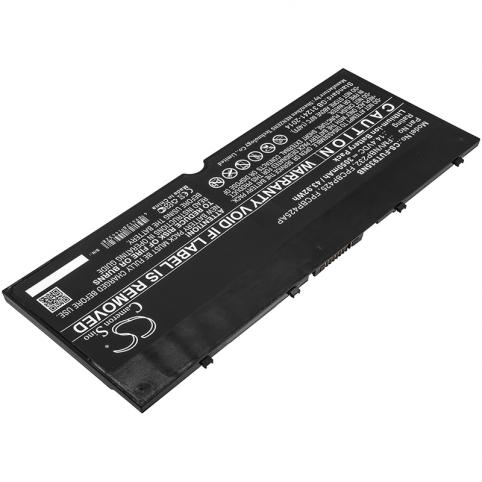
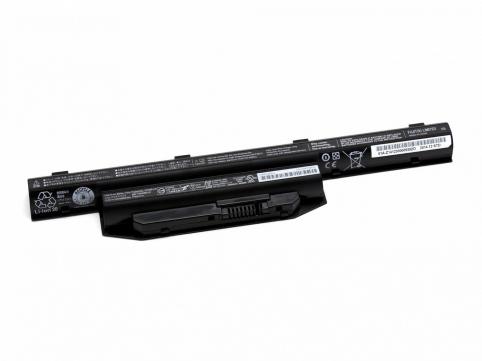
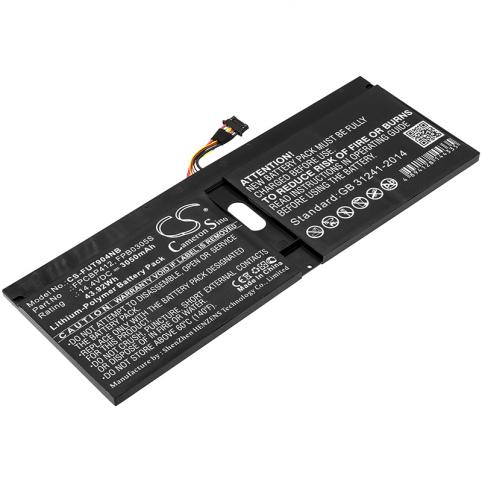
Battery laptop fujitsu best selling


 Your basket