
Battery for laptop macbook air

Search for your product by series
Search for your product by reference
Looking for a new battery for your MacBook Air APPLE Laptop battery+
An Apple Macbook Air which can be used anywhere
Therefore we recommend you to purchase several replacement batteries. Then you can use this Apple precious even during days of stays at a place without power,
Thus you can connect to the world no matter where you are. The fact of being let down by your battery for your Macbook laptop PC should not therefore be an obstacle to offer yourself a good time. However be careful to choose a vendor who is not only there to make profit.
Thanks to batteries meeting manufacturers standards
In our online store, we offer a wide range of batteries for Apple Macbook and other ranges and brands of laptops. They were chosen based on their features, at least similar to those of the original. And they all comply with the Apple Company’s standards. In fact, all the batteries offered for your Macbook laptop have a lifespan allowing you to enjoy this Apple certified machine for at least three hours straight.
Bios reset
Resetting this feature will help you fix the problem of non charging device. F2 or Delete is the keyboard keys to enter BIOS (in some cases the F10 key). In almost every situation, the charging problem is solved if the problem is with the PC itself. Sometimes the loading software can interfere - remove it.
Uninstall the loading software
To do it quickly, you have to click on the start button and go to the Control Panel.
Then select the option:
Here's an example: uninstalling a program in Windows XP. To learn how to do this with the later versions, read the rest of this article.
How to uninstall programs in Windows 7
Also choose Start and Control Panel. Then choose "programs and components". If uninstalling the charging software does not resolve the problem, check for a problem with the power supply.
Check the running programs
To check the active utilities, press the following key combination on the keyboard: "Alt + Ctrl + Del". This will open the Task Manager. Exit unnecessary processes here as high system activity consumes more battery.
Remove physical malfunctions
Power supply not functional
We have previously described the reasons why this element may fail. But we haven't dealt with the other important point: overheating. In this case, it gets too hot and you need to cool it down. It can also be caused by mechanical damage.
Battery laptop macbook air most popular

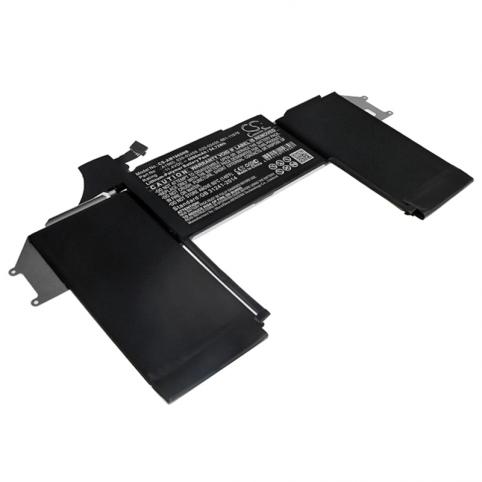
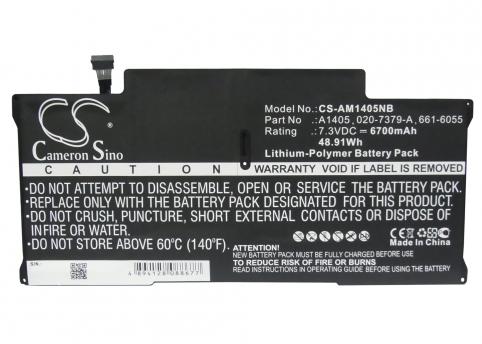
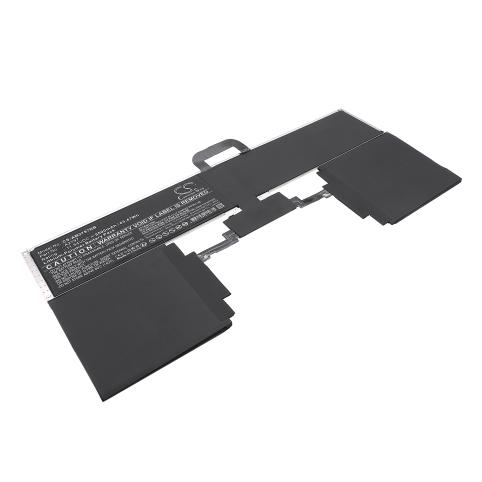
Looking for the best battery to replace your laptop battery?
How much does a battery for a apple macbook air laptop cost? The price ranges from €27.9 to €84.9 for the most powerful models.

 Your basket