
Adapter laptop Lenovo
Choose your Lenovo series: we display compatible chargers, with the correct tip and power.
What is the model number of your computer?
It is included in your computer's name, for example ThinkPad E14 Gen 4. Select it, then your exact model.
Where can I find the reference for your Lenovo?
- Turn the computer overThe label affixed to the bottom of the computer indicates the trade name and the MTM (Machine Type Model), for example 21E3-0012FR. This is the most reliable information.
- Open Lenovo VantageThe pre-installed application displays the model name, MTM and serial number on its home page.
- Or ask WindowsPress Windows key + R, type msinfo32 and press Enter: the "System model" line gives the exact name of your computer.
The label on the power supply indicates the power (W), output voltage (V), and current (A). Your new charger must have the same voltage and equal or greater power.
Which nozzle for your Lenovo?
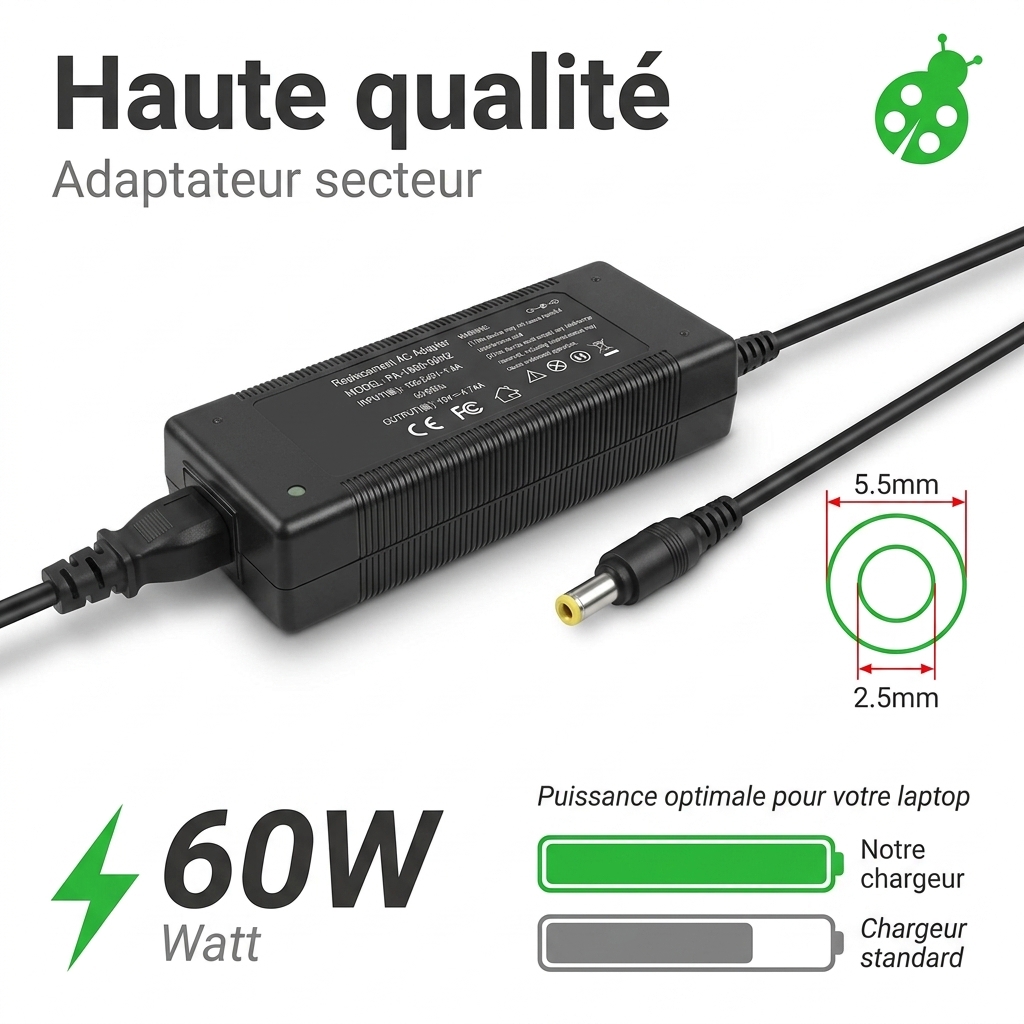
Compare the tip of your current charger: the shape and diameter must be identical. For the power output, choose at least that of the original charger.
- Slim Tip Rectangular tip: ThinkPad, IdeaPad and Yoga since 2013.
- 5,5 × 2,5 mm Round tip: IdeaPad and older consumer models.
- USB‑C Recent ThinkPad, ThinkBook and Yoga models: 45-100W USB-C charger.
The most requested chargers (Lenovo)
Frequently Asked Questions
Contact an advisorCan I use a charger that is more powerful than the original?
Yes, at the same voltage: the computer only draws the power it needs. A less powerful charger, on the other hand, heats up and charges slowly, or not at all.
Will a compatible charger damage my Lenovo?
No, provided it uses the correct voltage, power, and original connector. Our chargers are protected against overvoltage, short circuits, and overheating.
My computer displays "adapter not recognized".
Some laptops check the charger's power: choose a model with at least the same power as the original, with the same connector.
I can't find my model in the list.
Send us the reference number of your computer or your current charger: an advisor will tell you which charger is compatible.
- Tracked deliveryColissimo, Chronopost or collection point
- Secure paymentCredit card, Apple Pay, Google Pay, PayPal
- 2-year warrantyOn all new parts
- 30 daysto change my mind
Lenovo is a registered trademark of its owner. Our batteries and chargers are compatible parts, designed to replace original parts. All products Lenovo
IBM computer charger
High quality, low cost IBM laptop charger with portable battery. Qualities within everyone’s reach.
However, they don't last forever and tend to wear out faster than the battery itself. At batteriedeportable.com, we offer a wide range of IBM computer chargers complying with ISO 9001, CE and RoHS manufacturing standards. However, choosing a IBM laptop charger is not an easy thing. In fact, some elements must be taken into account. So, to help you choose the right replacement charger for your IBM laptop specifications, we are going to give you some practical advice.
Signs that an IBM laptop charger needs to be replaced
There are many warning signs that an IBM laptop charger needs to be replaced. First, a broken IBM laptop charger can be recognized by the fact that it cannot give charge to the computer battery any longer. In the first case, the situation is debatable because it is necessary to buy a new laptop charger.
The charger may also beep repeatedly at regular intervals. This means that a short circuit has occurred inside the charger and the system is fixing it on its own. If the beeps stop and your charger continues to operate normally, it is fixed. Otherwise, it must be replaced. In some cases, the broken charger does not stop working. In fact, it is possible that even damaged, the charger still continues to work but after a certain battery charge level, it does not charge any longer. There is also the most obvious sign that a charger is broken and needs replacement because the cable is damaged. A damaged cable may not only cause the power supplied by the charger to drop, but in the worst cases it can also cause a short circuit.
A charger overheating while it is being used is also a sign that should alarm you.
Tips for choosing the right IBM laptop charger
At first glance, choosing a new replacement IBM computer charger for your IBM laptop seems like an easy task, not at all complicated. Well the task is not complicated but it is important to pay special attention to some distinctive elements of your original charger. The power and amperage of the charger is the first thing you should look at. Power is expressed in Watts (W) and intensity in amperes (A). It represents the maximum charging power that the charger can provide. This information is available on the box of your charger. If you can't find a charger with the same wattage as the original one, your best shot is to go for the higher wattage one. In fact, if for example the power of the initial charger is 65 W, you can use one with a power of 90 W. However, a charger with high power can be heavy. If you have a very light computer, the charger will be heavier. Therefore there will be a small practical problem. So, if possible, the ideal is to find a laptop charger with the same power as that of the original.

 Your basket