
Adapter laptop dell studio

Search for your product by series
Search for your product by reference
A new charger of your Studio Dell Laptop+
Chargers to power your Dell Studio laptop everywhere
Your Dell Studio should be plugged into a power outlet after two hours of use. So if you use it both at home and in the office, don't settle for your original Dell Studio charger. Why not keep the latter for home use? Our store offers you a second Dell Studio laptop charger for office use. Do you travel frequently with your machine? You can also find in our catalog a wide choice of cigarette lighter chargers for Dell Studio laptops. These allow you to charge your device in your vehicle.
With characteristics similar to the original
In our store, we only offer Dell Studio PC chargers that comply with the standards. This allows us to protect your machine from failures due to power surges or incompatibility of power supplies. Although of good quality, these chargers can be purchased at lower prices in our website. Take this opportunity to avoid the inconvenience of forgetting the original charger at home while you are in the office. And for the first time ever, you would have the opportunity to take your Dell PC with you on a camping trip without worrying about the battery or charger.
Connect the cable to the appropriate USB-C power port (if applicable)
USB-C is a cross-platform connector dedicated to battery charging, connecting devices, and transferring data. Some Dell laptops use a USB-C port to power and charge the laptop. It is important to verify that the USB-C charger is connected to the correct USB-C port dedicated to charging, especially on a laptop that has multiple USB-C ports.
Disconnect and reconnect the power cable and the AC adaptor
- Unplug the AC adaptor from the wall outlet.
- Unplug the AC adaptor from the laptop.
- Disconnect the power cord from the AC adaptor.
- Firmly connect the power cable to the AC adaptor.
- Check that the LED of the AC adaptor is on. If the LED does not light up, try a compatible AC adaptor whose functionality has been verified
After replacing the power cable and the AC adaptor cable, if the laptop still fails to turn on with the AC adaptor, then move on to the next step.
Check the LED indicator on the AC adaptor.
Reset the AC adaptor as the following:
- Unplug the AC adaptor from the wall outlet for 15 seconds.
- Unplug the AC adaptor from the laptop.
- Plug the AC adaptor into a wall outlet whose functionality has been verified
- Connect the AC adaptor to the laptop.
- Check the indicator light on the AC adaptor.
- If the AC adaptor LED is on, continue to the next step.
7. If the AC adaptor’s LED is off or turns off when connected to the laptop, contact the Dell Technical Support for the repair options available in your area.
Adapter laptop dell studio most popular
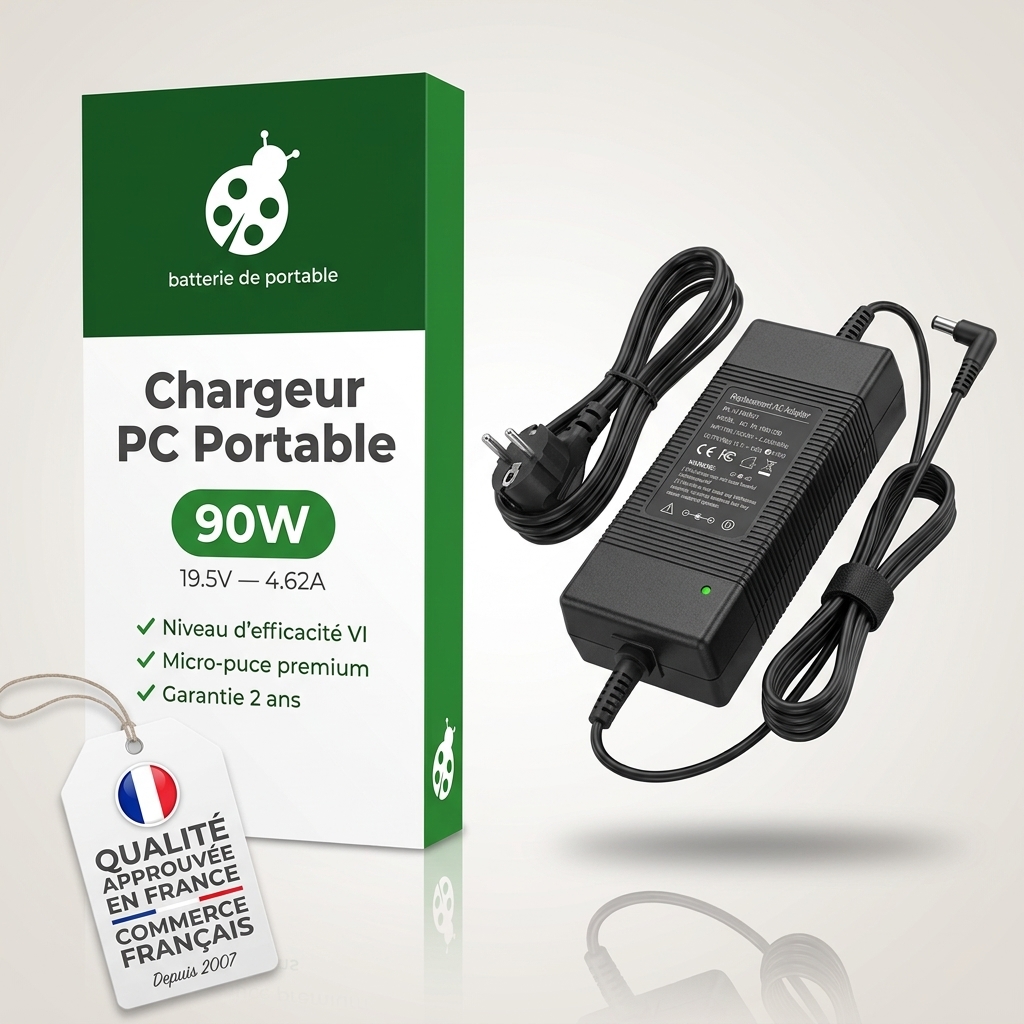
Looking for the best charger to replace your laptop charger?
How much does a power adapter for a dell studio laptop cost? The price ranges from €25.9 to €80.9 for the most powerful machines.

 Your basket