
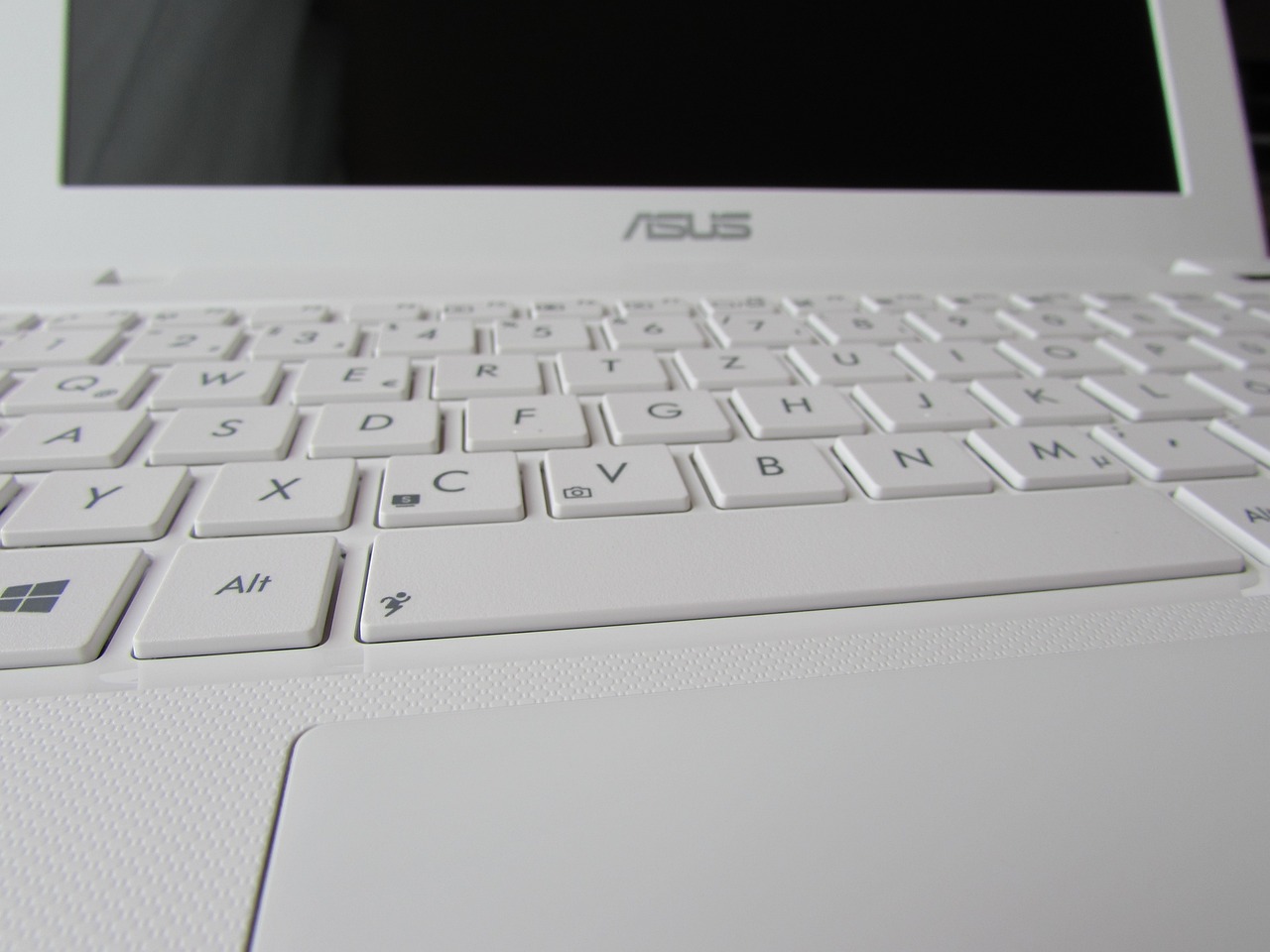
Laptop computers have become, for most of us, a kind of 24/7 companion. Whether you are a student, film buff or businessperson, you simply cannot do without your laptop. Since it’s your favourite companion, you need to make sure you treat it well.
Here are 10 of the most important laptop care tips so you can extend its lifespan. Let’s take a closer look –
1. Make sure you’ve removed all those items
If you’re going on a trip, you should remove any CDs, USB sticks or DVDs from your laptop so it stays safe and protected while you’re travelling. You should also put your laptop into sleep mode.
Be careful not to leave it in hibernate or fully powered on in your bag. You should also be particularly careful with laptop chargers and adapters. Ensuring the longevity of a laptop is not an easy task.
2. Avoid extreme temperatures
You need to know that extreme temperatures, or rapid temperature changes, can seriously affect a laptop. This means you must be careful about where you leave it.
If you’ve just brought your laptop inside after a very cold day, you should not switch it on until it has had time to warm up and reach room temperature. This will take longer if it’s been extremely cold outside.
3. Protect your laptop screen
It’s worth mentioning that a laptop screen is quite fragile and is always one of the most vulnerable components. You must be careful when using or lifting your laptop so the screen doesn’t get cracked or damaged easily.
You should always clean it using approved cleaning solutions or screen wipes. Do not touch the screen with a pen or any other type of pointer, as this could scratch the surface.
4. Never leave your laptop next to household appliances
You should not place your laptop near any device that generates a strong magnetic field, especially large speakers, televisions and even certain high‑tech fridges.
You should also avoid putting your mobile phone on top of your laptop when both devices are switched on. Follow these tips so your laptop stays in good condition and you don’t end up spending a lot of money on repairs.
5. Keep the lid closed as often as possible
You should also keep the lid closed as often as you can. This can really help reduce the amount of dust that settles on the keyboard, save battery life and prevent coffee or other drinks from being accidentally spilled on the keyboard – one of the main causes of laptop damage.
6. Laptops always need proper ventilation
Laptops can overheat much more easily than a desktop computer. You should never place one on a blanket, pillow or any other uneven, soft surface that could block the vents and prevent proper airflow.
You really do need to understand the importance of ventilation. Sometimes people ignore this rule and then their laptop stops working properly.
7. Be careful when carrying your laptop around
You must be very careful about where you take your laptop and where you put it down. The problem is that the very portability of a laptop can work against it. You should never take your laptop to the beach, which would greatly increase the risk of sand and moisture getting inside. You also shouldn’t use it on the kitchen worktop.
Putting it on the kitchen counter increases the risk of it falling into a sink or onto the floor. And if it’s not plugged in, you don’t need to be finishing your spreadsheet while you’re spending some “me time” in the bath.
8. Always buy a quality laptop bag
You should always carry your laptop in a good‑quality bag or case. A quality bag gives your machine vital protection against drops and knocks.
You should also get into the habit of never putting anything heavy on top of it. Ignoring this rule can seriously damage your laptop.
9. Choose your password carefully
You should set a password to control access to your laptop. Make sure you don’t use “Password”, “ABCD” or any other simple password that can easily be guessed or stolen by anyone.
You need to be a bit more careful. This is an important point to keep in mind, and that’s why you should follow it.
10. Use a VPN account
Make sure you set up a personal VPN account and use it as often as you can in hotels, airports and café hotspots. You should use it whenever you connect to free Wi‑Fi or unfamiliar networks. A VPN plays a major role by rerouting your internet connection through secure networks, where a hacker cannot easily steal your data.
Keep your laptop charged
Never let your laptop run out of battery while you’re working. Especially if you’re gaming, you should keep it plugged into a mains socket with a Asus laptop charger so your laptop doesn’t run out of power. In addition, this method also helps maintain laptop battery health. They will perform better over the long term. Sometimes we ignore this and it’s not good at all. You need to look after your laptop properly.
Conclusion
So, what are you waiting for? It’s time to start following these excellent tips so your laptop can keep running smoothly for years. The best part is that they’ll also help you save a lot of money.
