
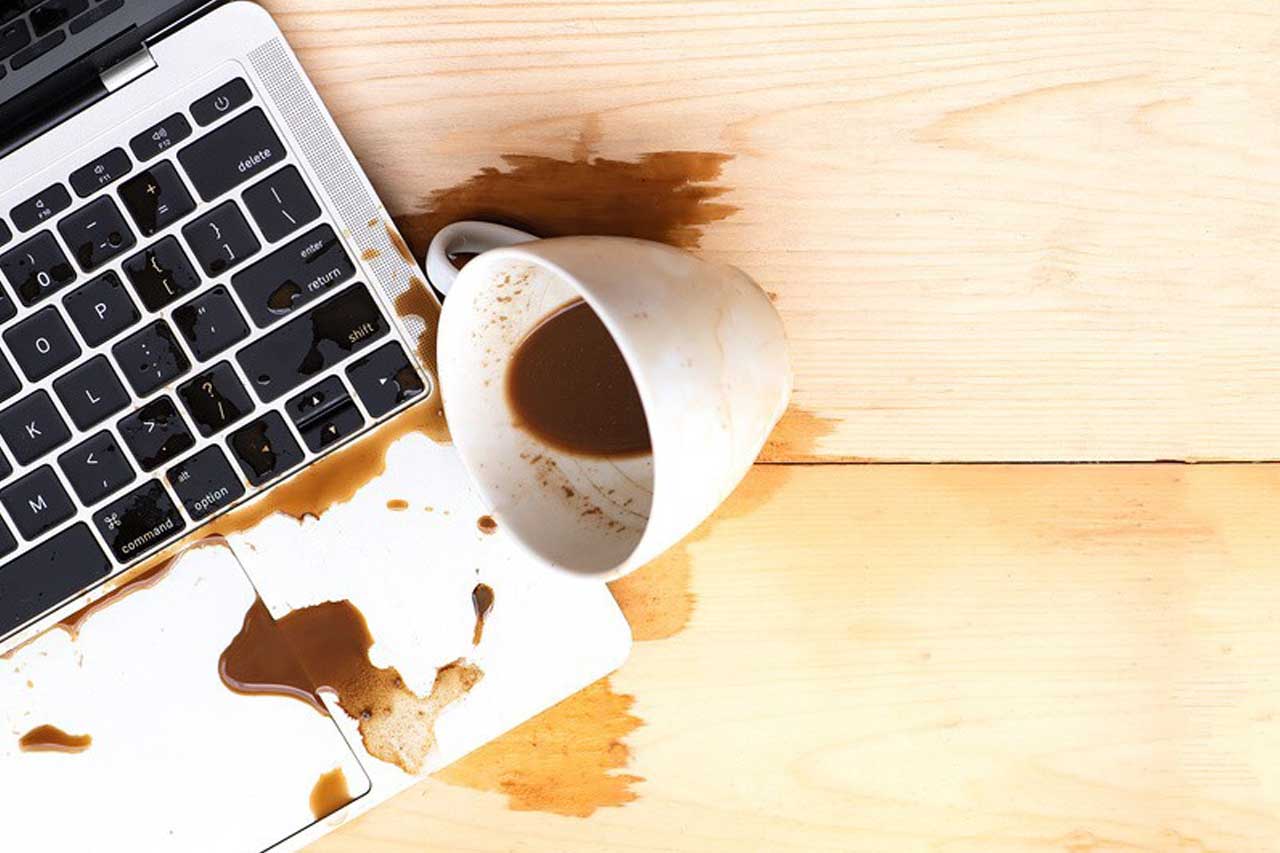
Many of us are in the habit of drinking a hot drink in front of our laptop while working. Then, in a brief moment of inattention, the liquid spills onto the keyboard. An accident like this can be fatal for your device. What should you do if this happens to you? Here is our advice.
Unplug the laptop and remove the battery
Without hesitating for a second, unplug the laptop if it is connected to the mains. Then remove the battery immediately. If the battery is not removable, you will need to open the laptop. This quick reaction will help you protect the key components of your machine.
Turn the laptop upside down
Carefully turn your laptop over (keyboard facing down) so you can drain as much liquid as possible. Be careful: avoid shaking it or banging it. If it is a desktop computer keyboard, only turn the keyboard over. This step is important even if only a small amount of liquid seems to come out of the device.
If you have already opened a laptop before, or if you feel confident you can manage it, continue with the process. Otherwise, ask a repair service for help. You can take advantage of the technician being there to identify and fix any other minor issues with your laptop.
Open and take the laptop apart, then dry the components
Opening the laptop is essential so you can remove any parts that have come into contact with the liquid. Disconnect and take them out. Start with the most sensitive components such as the SSD, the graphics card, etc.
Dry each component with a soft, absorbent cloth. Avoid rough fabrics that could damage your laptop’s components. You can use a hairdryer. Make sure you set it to the “cold” setting or the lowest heat and a slow speed. Do not hold the hairdryer too close to the components. If the liquid is sticky, dampen your cloth with a little water.
Let it dry and reassemble
Once everything has been wiped down, leave the device to dry in the open air for several hours. Ideally, place everything on a clear, clean table. Make sure you keep all the screws safe. When everything is completely dry, reassemble your device, close it up, then switch it back on.
If everything works properly, you are in the clear. If the laptop is not working correctly or will not turn on at all, contact a repair technician; an important component may be damaged. The motherboard is the part most likely to be affected. If it is only the keys that no longer work, you can replace the keyboard by buying a compatible spare part.
