
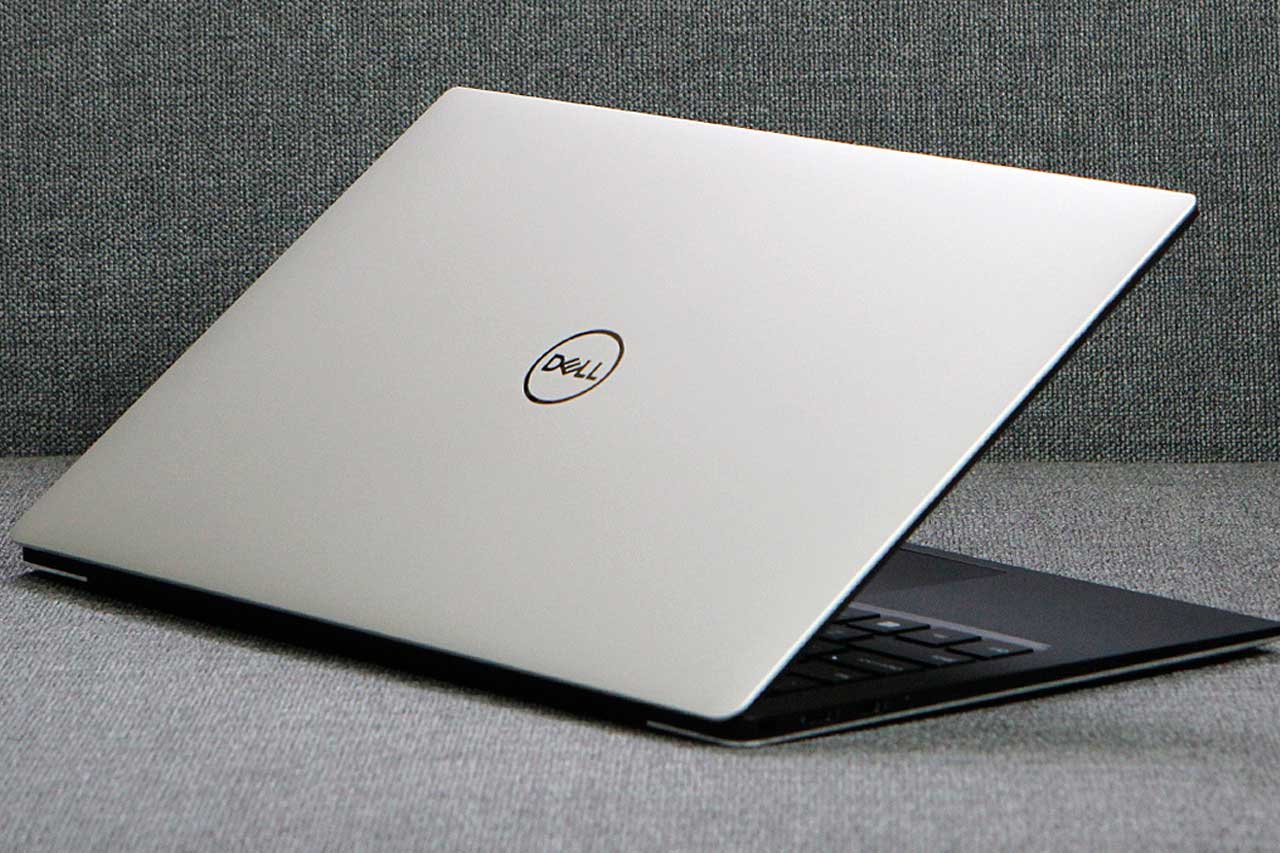
Ultrabooks are ultra-slim, lightweight laptops with an attractive design. These devices are easy to spot thanks to their weight of less than 1.5 kg.
These PCs also stand out from other models thanks to their maximum thickness of 1.5 cm. The 14‑inch screen of an ultrabook is another of its key features.
The compact size of an ultrabook makes it ideal for students and professionals who travel a lot.
A device with good battery life
Ultrabooks are mobile devices with good battery life. The battery in these laptops holds its charge longer than that of a standard laptop. However, be wary of the figures given by manufacturers, as they are often overestimated. The real battery life of an ultrabook is usually around 50 to 80% of the advertised battery life.
When choosing your laptop, refer to the quoted battery life in the technical specifications. If this is listed as 12 hours, the maximum realistic usage time will be around 6 hours. This assumes the laptop is fully charged to 100% beforehand.
You should also bear in mind that how you use your device has a major impact on battery life. Keep an eye on power‑hungry activities if you plan to use your ultrabook away from the mains for long periods. Keeping Wi‑Fi permanently on, running heavy software and playing video games are just some examples of tasks that consume a lot of power.
Look after the battery
Every battery has a limited lifespan, whatever the type of laptop: ultrabook, notebook, gaming laptop, etc. After around 18 months of use, a battery’s runtime starts to gradually deteriorate. It normally becomes completely unusable after about 3 years.
When the battery in your ultrabook reaches the end of its life, there is no need to worry. You can easily find brand‑new, high‑performance replacement batteries. BatteryLaptop offers brand‑new power accessories (charger, battery) with the same specifications as the original. The components used in our replacement parts allow your device to regain its original performance.
Be careful when changing the battery in your ultrabook. These devices are generally fitted with a built‑in battery. You therefore have to remove the bottom cover of the laptop to access it. This is not as straightforward as replacing a removable battery, but it is still manageable, even for someone with no prior experience.
Performance
The relatively small size of ultraportables leaves very little room for their components. To make up for this, their internal hardware is smaller but more powerful. For example, 2021 ultrabook models come with a 512 GB SSD, at least 8 GB of RAM and an Intel Core i7 processor.
With this kind of specification, an ultrabook can be ready to work in under 7 seconds after being switched on. This is very handy when you need to start up your laptop quickly to look up some information.
When it comes to the graphics card, an ultra‑slim laptop is less suitable for demanding gamers. An integrated graphics processor similar to Intel’s HD Graphics 620 is not powerful enough for modern video games. This level of performance is fine for watching a film or doing some photo editing.
Other features of an ultrabook
Ultrabooks do tend to run a little hot because of their compact size and integrated design. This drawback is most noticeable during intensive or prolonged use. So switch off the device when you take a break. The laptop should also be placed on a flat, hard surface. The number of ports on an ultraportable is also more limited than on a standard laptop. This can be an issue if you have lots of peripherals to connect.
In short, despite their compact size and very light weight, ultrabooks deliver performance that lives up to expectations. You just have to compromise when it comes to 4K gaming and very power‑hungry applications.
