
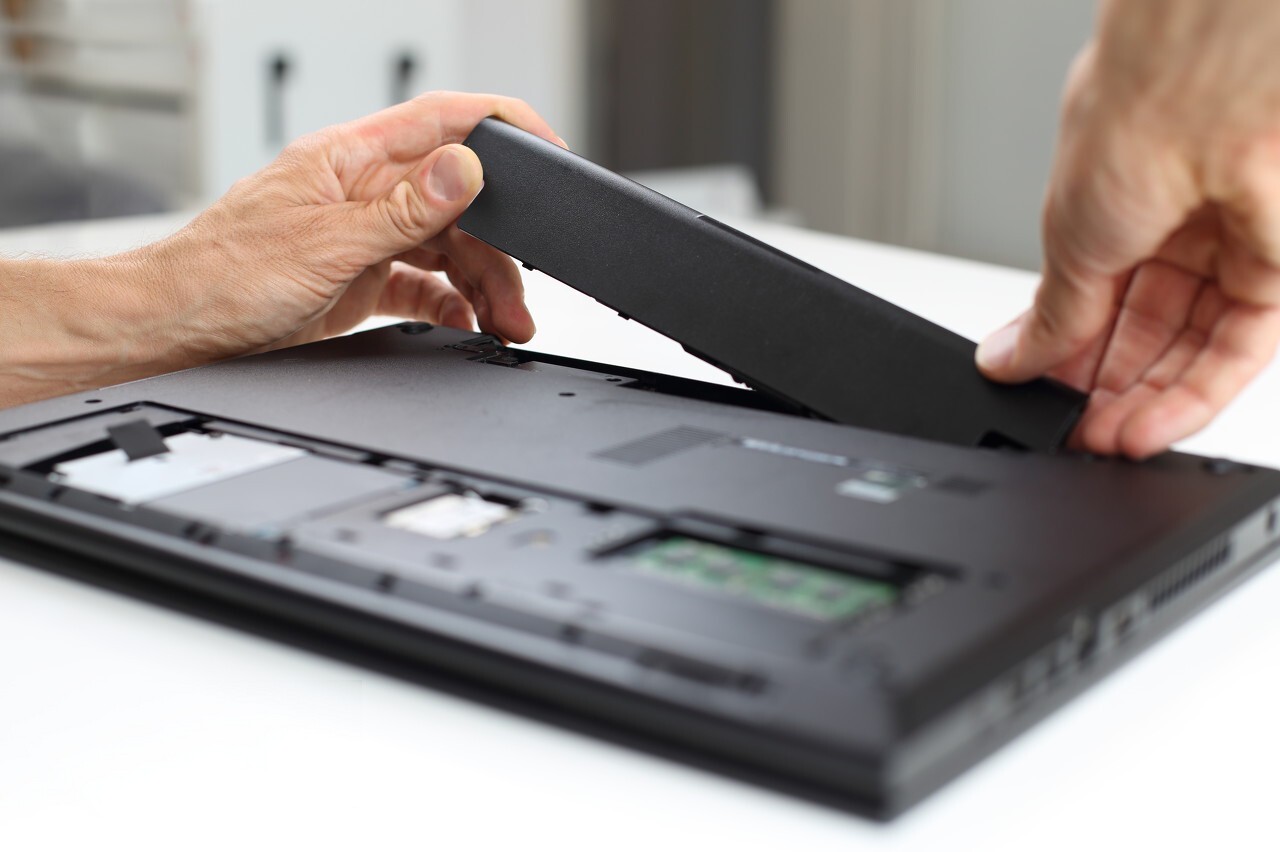
Afin d’isoler le problème lié à votre batterie voici différents éléments de recherche :
First use of a battery
All batteries are delivered discharged. This means you need to run them in to obtain optimum performance and lifespan. Simply insert the battery into your laptop and let it charge fully without interruption. Once this is done, it is a good idea to discharge the laptop battery until only 10% charge remains, then recharge it again without interruption.
Repeat this process 3 to 5 times to optimise the battery.
Common difficulties during first use
Battery not recognised
Some laptops may take time to recognise a new battery and you may need to configure the new battery via the BIOS Setup: Cliquez ici.
You can also try to configure it in the Control Panel (devices) or via the Windows utility in the Start menu.
Generic laptop battery not compatible
Some laptops only accept original batteries (supplied by the laptop manufacturer). In this case, as soon as the laptop starts up, a message such as “incompatible battery” appears. These laptops that do not accept compatible batteries are programmed in such a way that they only detect batteries that have been programmed by the manufacturer to be recognised by the computer.
Battery not charging
When you first start charging the battery, the laptop may indicate that the charge is complete after only 10 or 15 minutes and then may not power your laptop for very long. Likewise, sometimes a brand-new battery will suddenly refuse to recharge. This can happen several times during the initial charge, but it is perfectly normal. Remove the battery, then reinsert it, and let it charge fully again. This should resolve the issue. Do not hesitate to contact a professional, as on some models it is not straightforward to install a new battery.
Compatibility with your laptop
The laptop battery may not be compatible with your computer. Please send us the information below so we can check it:
- Model and brand of your laptop
- Voltage (V)
- Amperage (mAh)
- Manufacturer reference
The last 3 specifications are shown on the battery
Good to know
High-capacity battery
A high-capacity battery has significantly longer runtime than a standard battery
(e.g. 6600 mAh).
However, it is heavier and bulkier and may therefore stick out from the laptop.
Deep (full) discharges of your battery
Deep discharges gradually damage the internal chemistry of a battery: always try to recharge a Li-ion (lithium-ion) battery before the laptop shuts down (that is, before a deep discharge). By recharging a Li-ion battery more often, before it is deeply discharged, you increase its lifespan. Never wait for a Li-ion battery to be completely empty before recharging it.
Inaccurate remaining energy reading
The battery icon shows the percentage of energy still available. However, sometimes the reading is incorrect. In this case you should carry out a calibration (recalibration) of the battery. The calibration of the measuring system for reading the remaining battery energy on the laptop only needs to be done once, as follows: fully charge the battery, use the laptop until there is only 10% charge left, then recharge it without interruption. The remaining energy reading will then be more accurate. This calibration procedure should be carried out monthly.
