
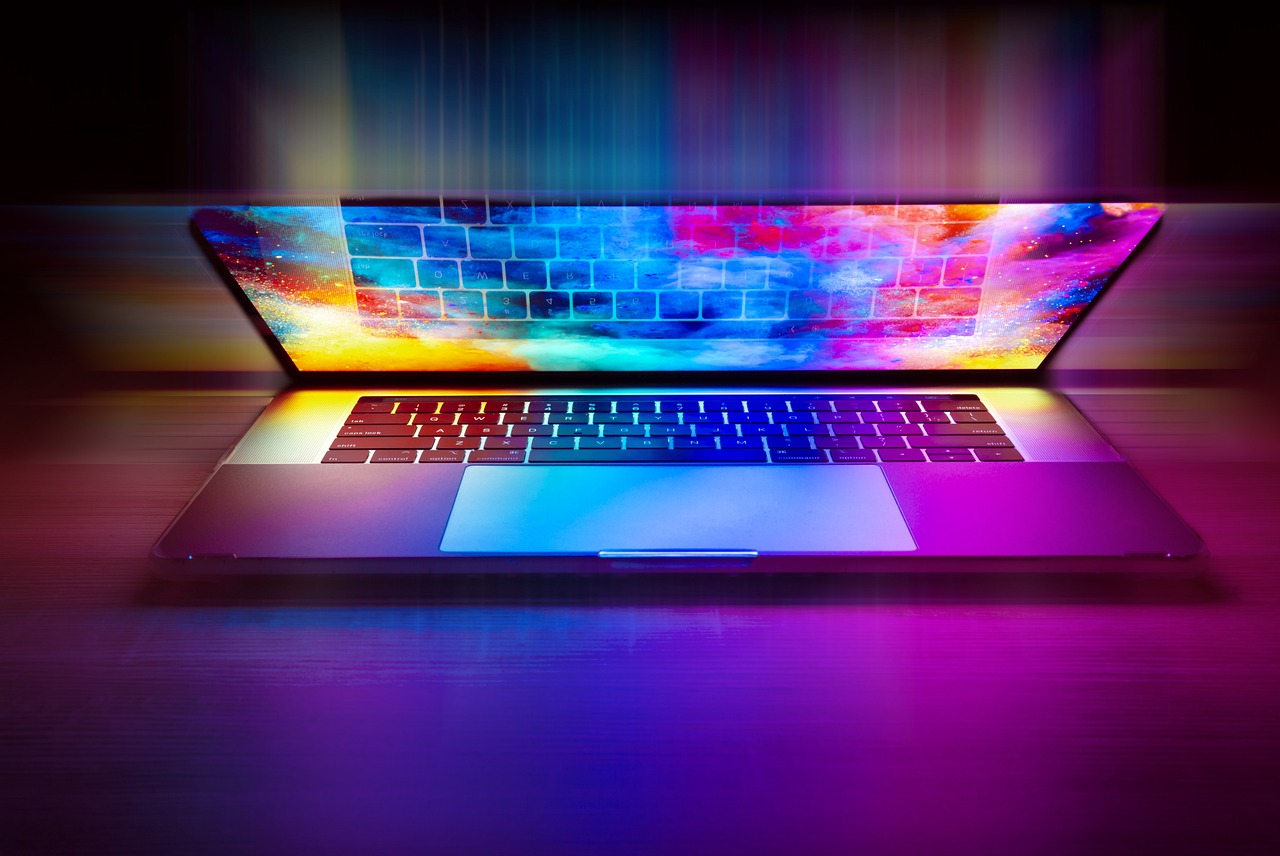
Introduction to this laptop buying guide
Welcome to the ultimate guide to buying a laptop! In the digital age, a laptop has become an essential tool for both work and entertainment. With so many options available on the market, it can be difficult to choose the laptop that truly meets your needs. This comprehensive guide will take you through the entire laptop buying process and give you valuable information and tips so you can make an informed decision.
Understand your needs and your budget
Before diving into the world of laptops, it is important to assess your needs and your budget. Think about how you will use the laptop. Are you a student who needs a portable device for taking notes and doing research? Or perhaps you are a graphic designer who needs a powerful machine for photo and video editing? Understanding your specific needs will help you narrow down your options.
Set your budget
Laptops come in several price ranges, and having a budget in mind will stop you overspending or settling for a poor-quality device. Remember that investing in a quality laptop is essential for long-term productivity and satisfaction.
Deciding which type of laptop suits you best
With technological advances, laptops now come in different types designed to meet specific needs. Let’s look at some of the most common types of laptops:
1. Ultrabooks:
Known for their sleek, lightweight design, ultrabooks are perfect for professionals on the move. They offer excellent battery life and fast performance, making them ideal for business travellers and regular commuters.
2. Gaming laptops:
If you are a gaming enthusiast, a gaming laptop is the way to go. These laptops are equipped with powerful processors, high-resolution displays and dedicated graphics cards, ensuring a smooth and immersive gaming experience.
3. Convertible laptops:
Also known as 2‑in‑1 laptops, these versatile devices can be used both as laptops and as tablets. They come with a touchscreen and can be folded or detached for maximum flexibility. Convertible laptops are perfect for artists, students and anyone who values versatility.
4. Traditional laptops:
These laptops are the standard choice for everyday use. They offer a balance between performance and affordability, making them suitable for general tasks such as web browsing, word processing and media consumption.
Take your lifestyle and usage habits into account to decide which type of laptop best fits your needs.
Things you absolutely need to know when buying a laptop
When buying a laptop, there are several key features to consider to ensure a satisfying user experience. Let’s look at some of these essential features:
a) The screen:
The display plays a crucial role in how you use a laptop. Consider factors such as screen size, resolution and panel type. If you work with images or enjoy multimedia content, choose a laptop with a vibrant, high‑resolution screen.
b) Keyboard and touchpad:
As you will spend a lot of time typing and navigating, having a comfortable keyboard and a responsive touchpad is essential. Look for laptops with well‑spaced keys and a smooth touchpad for an optimal typing and navigation experience.
c) Battery life:
If you are constantly on the move, battery life is a critical factor to consider. Look for laptops with long-lasting batteries, especially if you are often away from power sockets. Aim for at least 8 hours of battery life for uninterrupted productivity.
d) Connectivity options:
Consider the number and type of ports available on the laptop. Make sure it has enough USB ports, an HDMI or DisplayPort for external screens, and an SD card slot if you work in imaging, photography or video production.
e) Storage options:
Work out your storage needs based on the type of files you will be dealing with. SSDs (Solid State Drives) offer faster performance, while hard drives (HDDs) offer greater storage capacity at a lower cost. Choose a laptop that offers a combination of both, or that supports expandable storage.
Choosing the right specifications for your needs
Now that you have a clear idea of the essential features, it is time to look at the technical specifications. Here are some key specs to consider when buying a laptop:
i. Processor (CPU):
The processor determines the overall performance of the laptop. Look for Intel Core i5 or i7 processors for smooth multitasking and demanding applications. AMD Ryzen processors are also excellent options for budget‑conscious buyers.
ii. RAM (memory):
RAM affects your laptop’s multitasking capabilities. Aim for at least 8GB of RAM to ensure smooth performance. If you carry out memory‑intensive tasks such as video editing or running virtual machines, opt for 16GB or more.
iii. Graphics card (GPU):
If you play games or work with heavy graphics, a dedicated graphics card is essential. NVIDIA GeForce and AMD Radeon cards are popular choices for gaming and content creation.
iv. Storage:
As mentioned above, SSDs offer faster performance, while hard drives provide more storage space. Think carefully about your needs and find a balance between speed and capacity. You can also choose a laptop that offers both SSD and HDD storage options.
v. Operating system:
The most well‑known and widespread operating systems are Microsoft Windows and Apple macOS. Windows offers wide software compatibility, while macOS is known for its seamless integration with other Apple devices. Choose the operating system that best matches your preferences and needs.
Choosing your operating system and software
Choosing the operating system (OS) goes hand in hand with choosing the software you will use. Here are some points to consider when selecting the right operating system and software:
I. Windows:
Windows is the most widely used operating system in the world. It offers extensive software compatibility, including Microsoft Office and popular third‑party applications. If you need specific software that is only available on Windows, this is the obvious choice.
II. macOS:
macOS is the operating system used by Apple’s MacBook range. It is known for its user‑friendly interface, seamless integration with other Apple devices and optimised performance. If you are already part of the Apple ecosystem or work with creative software such as Final Cut Pro or Logic Pro, macOS is well worth considering.
III. Software compatibility:
Make sure that the software you rely on is compatible with your chosen operating system. This applies to productivity software, design tools, gaming platforms and any other specialised software you may need.
