
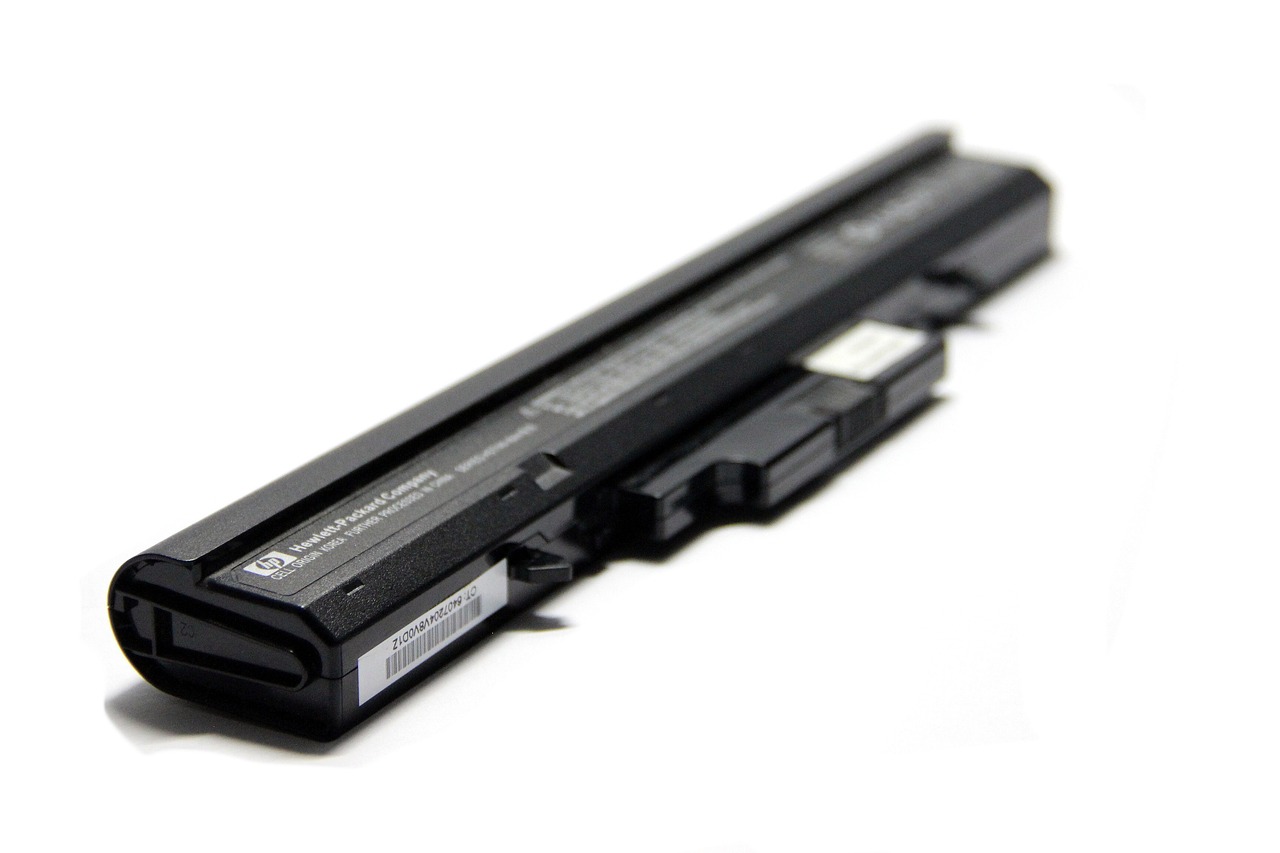
Whether you’re working from home or in a café, your laptop is the perfect device for a flexible working life. Most laptops will run for 3 to 10 hours on a single charge. If yours is running out faster than it used to, don’t worry: there are some simple steps you can take to get it back into shape.
At BatteryLaptop / www.batterylaptop.co.uk, we show you how to get the most from the devices you use every day. Here are our tips to extend your laptop battery life.
Adjust your screen brightness and screensaver
You can extend your laptop battery life by lowering your overall screen brightness. Press the key with the sun logo (or something similar), then use the slider to turn the brightness down and save battery power. If your screensaver or desktop background image is very bright (for example, a photo of a blazing sunrise), you can save power by choosing a darker image. Want to save even more power? Set your screen to turn off automatically after 60 seconds.
Keep your laptop cool
If your battery gets too hot, it won’t charge normally. That’s why you should never leave your laptop in a hot car or outside in hot weather. If your laptop becomes too hot, try the following steps:
- Stop using your device until it has completely cooled down.
- Shut your laptop down,
- Unplug the power lead
- Remove the battery (if possible).
Check the air vents and fan to make sure they’re not clogged or blocked. The vents and fan are on the underside of the laptop or around the sides. Use compressed air to clean your laptop’s vents. If your fan keeps struggling, making noise or spinning at high speed, you may need to take your device to a laptop repair specialist to check for any other issues.
Unplug anything you don’t need
Unplug your mouse, headphones or any USB stick from your laptop when you’re not using them. When they’re plugged in, these accessories draw power from your laptop battery.
Close apps and programs you’re not using
Running too many apps or programs at the same time can also drain your battery. If you’re not using an open program or app, close that window.
Use the charger supplied with your laptop
When you plug in your laptop, make sure you use the chargeur ordinateur Sony supplied with your device. Other chargers may be cheaper, but they won’t always work as well and can even damage your battery.
Don’t leave your laptop plugged in all the time
It might sound strange, but constantly leaving your laptop plugged into the mains will weaken the battery over time. Ideally, you should keep your device’s battery between 50% and 80% to keep it healthy in the long term.
Shut your laptop down every day
It may be convenient to leave your computer on all the time, but this will weaken the battery over time. To preserve your battery’s charging capacity, shut your device down at the end of each day.
Keep your operating system up to date
Your operating system is responsible for managing your laptop’s software and hardware. If it’s out of date, it can cause problems with your battery.
HOW TO UPDATE YOUR PC OPERATING SYSTEM:
On the taskbar, click Start > Settings > Update & Security.
In the Windows Update tab, click Check for updates. If no updates are available, the menu will show “You’re up to date”. If updates are available, Windows will download and install them automatically.
STEPS TO UPDATE A MAC OPERATING SYSTEM:
Open System Preferences, then select Software Update. Click to Update if an update is available now.
Use your laptop’s built‑in battery saving tools
Still have questions about how to extend your laptop battery life? You can use your laptop’s built‑in tools to find out which apps and programs are using the most power and, if needed, adjust your settings.
CHECK BATTERY HEALTH AND SETTINGS IN WINDOWS
PC users can open the Windows™ performance management tool for detailed information about battery usage and to extend battery life by turning on features such as Battery saver.
