
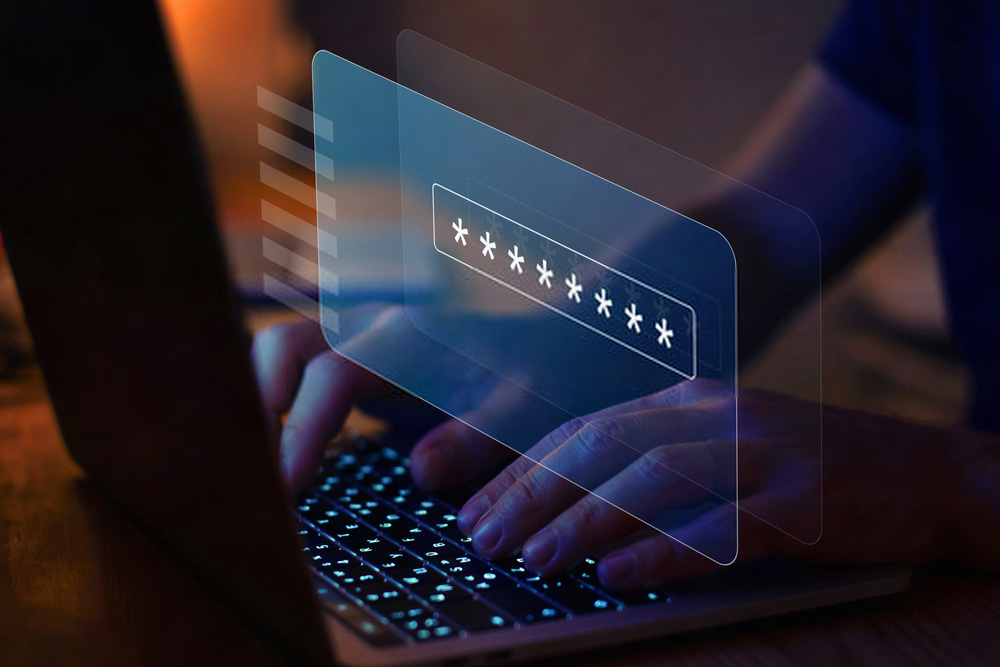
Creating a strong password or passphrase is arguably the simplest way to improve your system security.
Require employees to use strong passwords and change them regularly
Create a complex password or passphrase of 8 to 64 alphanumeric characters, and use special characters such as “#@*&”. Remember that passwords should never be written down and stored near your device. Wherever possible, adopt a two-factor authentication strategy. Periodically updating your password can help prevent brute-force attacks. A brute-force attack is a trial-and-error method, where a program tries to decode a password and gain access to a target’s computer. The stronger your password or passphrase is, the harder it is for a hacker to crack.
Install anti-virus software
Antivirus software actively looks for viruses that try to invade your email, system files or operating system. Choose quality software, taking into account the company and product’s reputation, the software’s features (for example, daily updates) and its compatibility with your computer.
Also take the software price into account
It is important to understand that the most expensive software is not always the best. And free software, even if it is good for your wallet, may not offer sufficient protection.
Install anti-spyware and anti-malware software
Malware and spyware can do just as much damage to your network as a virus. Look for the same qualities in anti-malware and anti-spyware as you do in antivirus software. These programs should run full scans of your computer system, periodically update spyware and malware definition lists, quarantine spyware and remove malware. Most people simply prefer to buy antivirus software with built-in spyware and malware scanning and removal features, but no single piece of software can find and remove everything. Take a multi-layered approach to securing your computer system. Software designed for a specific purpose allows for a more targeted attack against these threats.
Run full system scans daily
Viruses, spyware and malware are constantly evolving. As a result, they can sometimes slip past your protection methods and infect your computer system. Schedule daily scans using your antivirus, anti-spyware and anti-malware software to find, quarantine and remove any malicious agents on your network before they cause damage (or further damage).
Create a regular system backup programme
Many types of malicious agents can destroy the contents of your computer. Create a regular backup schedule to ensure your data can be recovered in the event of an incident. Consider backup options such as a cloud service or a personal external hard drive. A cloud service allows you to back up your data online. A personal external hard drive can be connected to your computer so you can manually copy your updated files.
Update your computer system regularly
It is very important to carry out regular computer system updates to fix any bugs and glitches in the system. If you do not allow system updates, the glitches and bugs that remain in your system can be exploited by hackers. Make sure you allow updates as soon as they are released.
Use your firewall
A network firewall is an essential tool that acts as a perimeter around your computer and blocks unauthorised incoming and outgoing access. When you install or configure a computer, take advantage of the firewall features built into the operating system. You can update the firewall settings according to your preferences.
Use email with care
Hackers can exploit email in many ways – hiding viruses in attachments, for example. Do not open or read emails from addresses you do not recognise. Delete them from your inbox immediately.
Use the internet with care
Even the safest websites can contain spyware and malware. A single mouse click is enough to infect your computer. Many bogus websites are disguised to mimic genuine sites. When you type URLs, check the site name and spelling. Avoid clicking on pop-up windows, adverts, graphics and links to other websites.
Research the basics of IT security
IT security starts with the user. If your company has not implemented a security awareness programme, it should be considered. Proper training can help employees understand how to correctly protect their company’s IT network. Take it upon yourself to research the basic aspects of IT security – this will greatly help you make more informed decisions to protect your network.
How we can help
There are other methods and technologies to protect your computer against constantly evolving cyber threats. www.batterylaptop.co.uk can help you assess your current environment and help you build a specific strategy to protect your systems and data through a solid cyber security plan.
