
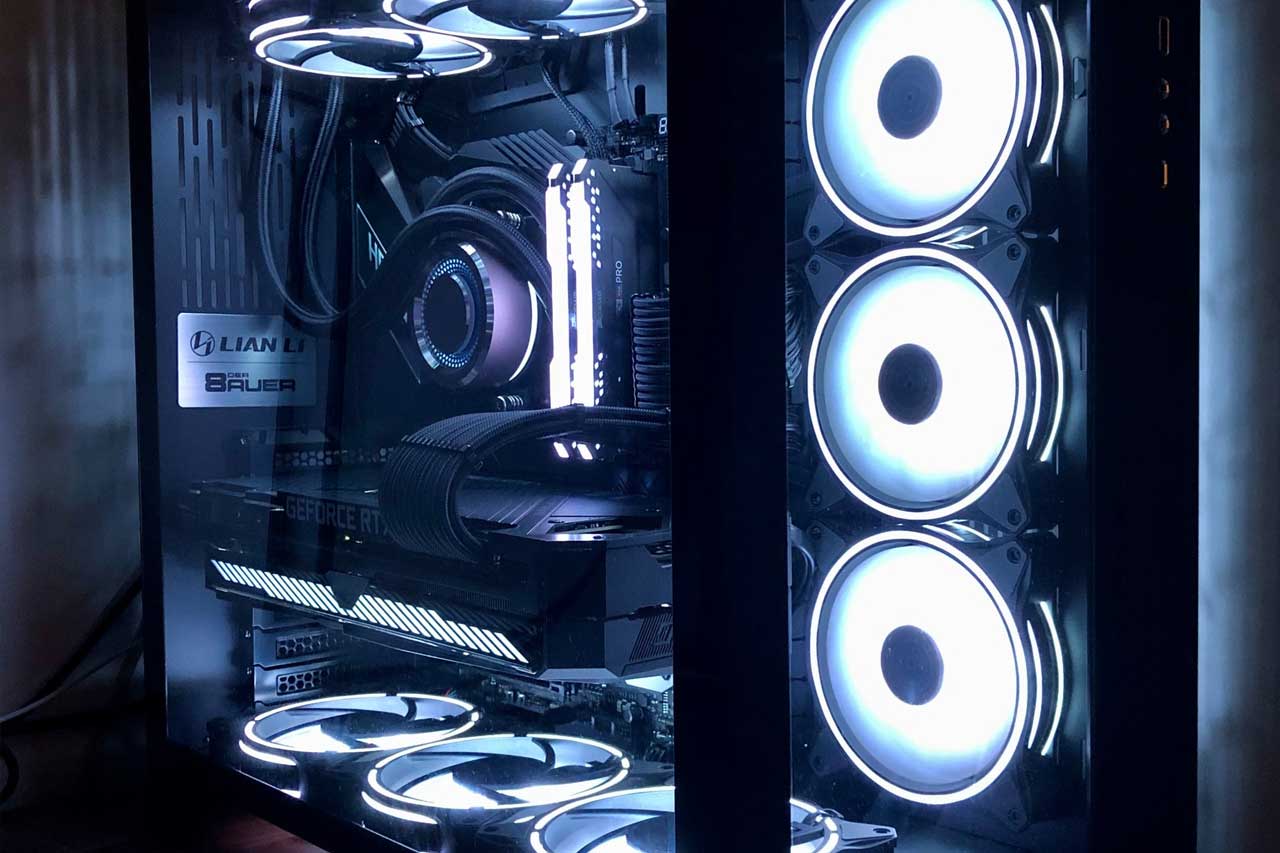
The most important thing for a gamer is to be able to play smoothly and without problems on their PC. That’s only possible with a laptop built with very high‑performance components. Such a machine requires a powerful graphics card, very fast RAM, a high-speed processor and an optimal cooling system. The power supply also plays a major role. It has to meet the needs of all these power‑hungry components.
The ideal wattage for a true gaming PC
What are the risks of an underpowered PSU?
For a gaming PC, an underpowered power supply can cause random restarts. A frustrating situation! You may lose your game and have to start again from the last save point.
A low‑wattage PSU also increases the risk of overheating. Voltage instability can also occur. In such cases, the expensive components in your PC can suffer damage. If the power level is too low, you may also notice electrical noise that spoils the game’s sound effects.
What about an oversized power supply?
An oversized power supply unit does not give you any extra performance. It will mainly be reflected in a higher electricity bill. The only real benefits are that it will run cooler and generally last longer.
So what is the ideal wattage?
In practice, a gaming PC power supply should offer at least 550 W of power. Online PSU wattage calculators can help you work out the exact power requirements of your PC. These are automated tools available online, usually free to use.
The type of graphics card
As the graphics card is the most power‑hungry component, you can use the following guidance to choose your PSU wattage:
- 550–650 Watts: enough for around 80 % of today’s gaming PCs
- 650–850 Watts: needed if you use a high‑end AMD or Nvidia graphics card. This is especially recommended if you run a multi‑GPU setup such as Crossfire or SLI.
- 1000 Watts: recommended if you use a powerful processor such as a Phenom II X6. This is also reserved for gamers who do extreme overclocking.
Efficiency level
There is a difference between the power going into the PSU and the power coming out to the components. Some of the energy is lost as heat. To put it simply: if a power supply wastes 30 % of the power it draws, then its efficiency is 70 %. In this example, to cover a real need of 380 Watts, you would need a power supply rated at around 542 Watts.
To help users, the “80 Plus” certification was created. To be certified, a PSU must have a minimum efficiency of 80 %.
Here are the different certification levels:
- Standard: minimum 82 % efficiency
- Bronze (Bronze): minimum 85 % efficiency
- Silver (Argent): minimum 87 % efficiency
- Gold (Or): minimum 89 % efficiency
- Platinum (Platine): minimum 90 % efficiency
- Titanium (Titane): minimum 94 % efficiency
Connectivity
The number of connectors on a power supply varies depending on the model you buy. One thing is certain though: recent models have a 24‑pin ATX connector for the motherboard. This is compatible with both older 20‑pin boards and newer 24‑pin boards.
Pay close attention to the graphics card connector, known as PCI-Express. Some graphics cards require 6‑pin connectors, others 6 + 2, others 8‑pin. You must therefore choose a power supply with PCI-Express connectors that match your needs.
The other components in your gaming PC also need power. Their connectors may be SATA, PCI-E or even Molex. It is therefore impossible to give universal advice without knowing your PC configuration. The best approach is to list all your connector needs, taking into account every component in the PC (watercooling, optical drives, etc.).
Modularity
From the overview of the connectors and the components that use them, you can see there are two types of power supply. First, there is the non‑modular PSU. Its cables are already connected to the power supply housing and are fixed. Second, there is the modular PSU, whose cables are detachable.
The inside of your PC case should be neat and well ventilated. For this reason, we recommend choosing a modular power supply. It lets you connect only the cables you actually need, preventing the case from being clogged up with a mass of unused wires.
For ease of use, choose braided or sleeved cables. This way, the wires are grouped together in a sleeve, making them less bulky and easier to route inside the case.
If you want to customise your gaming PC, note that PSU cables are available in a range of colours.
